Grocery and mart
A fast checkout line, with weights, expiry dates and khata handled.
Built for a busy line: scan-first checkout, loose items priced straight from the scale, batches and expiry dates on what you stock, and khata for regular customers. Raast QR and JazzCash sit next to cash at the till. Stock updates with every sale, so you know what to reorder.
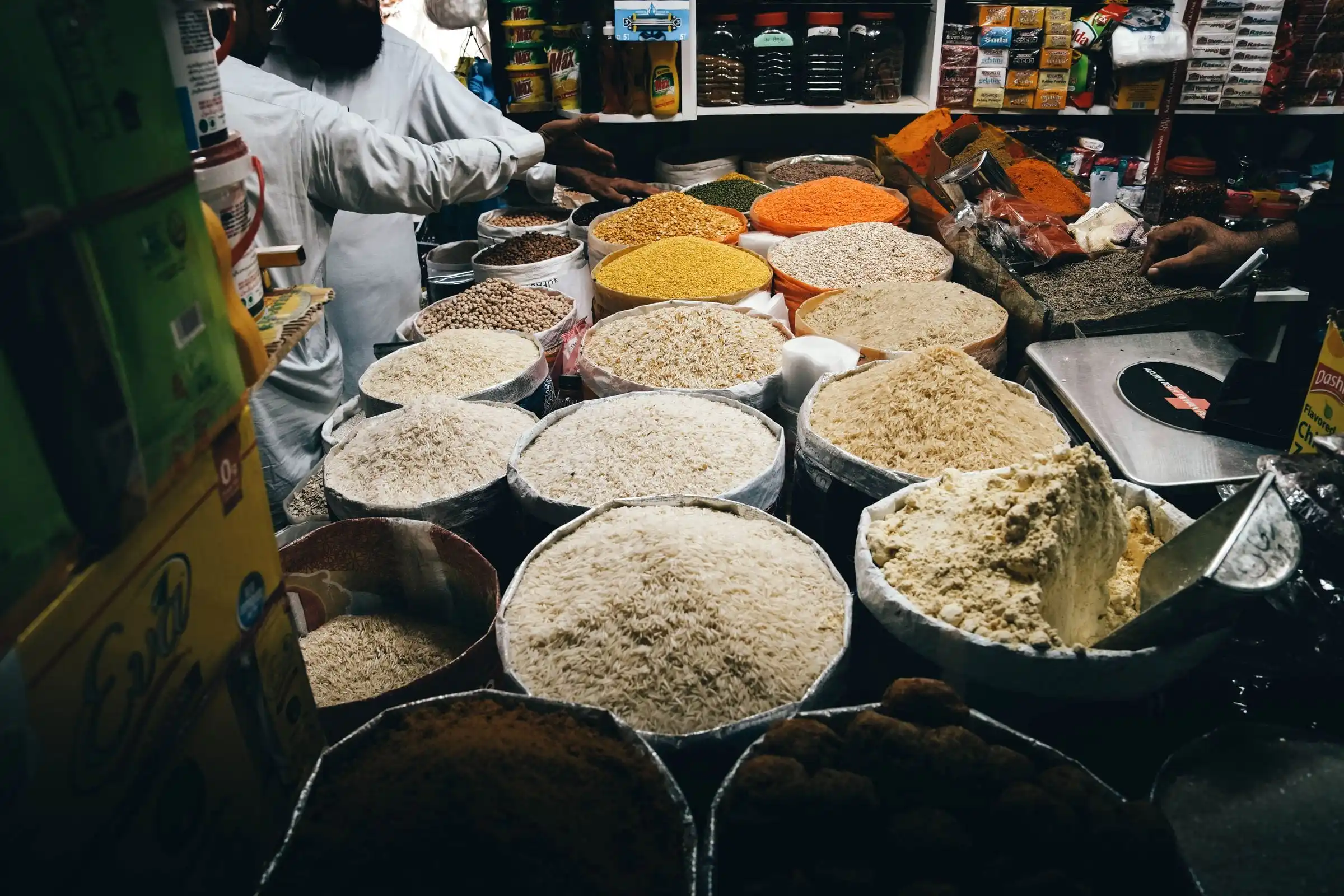
Sold by the kilo
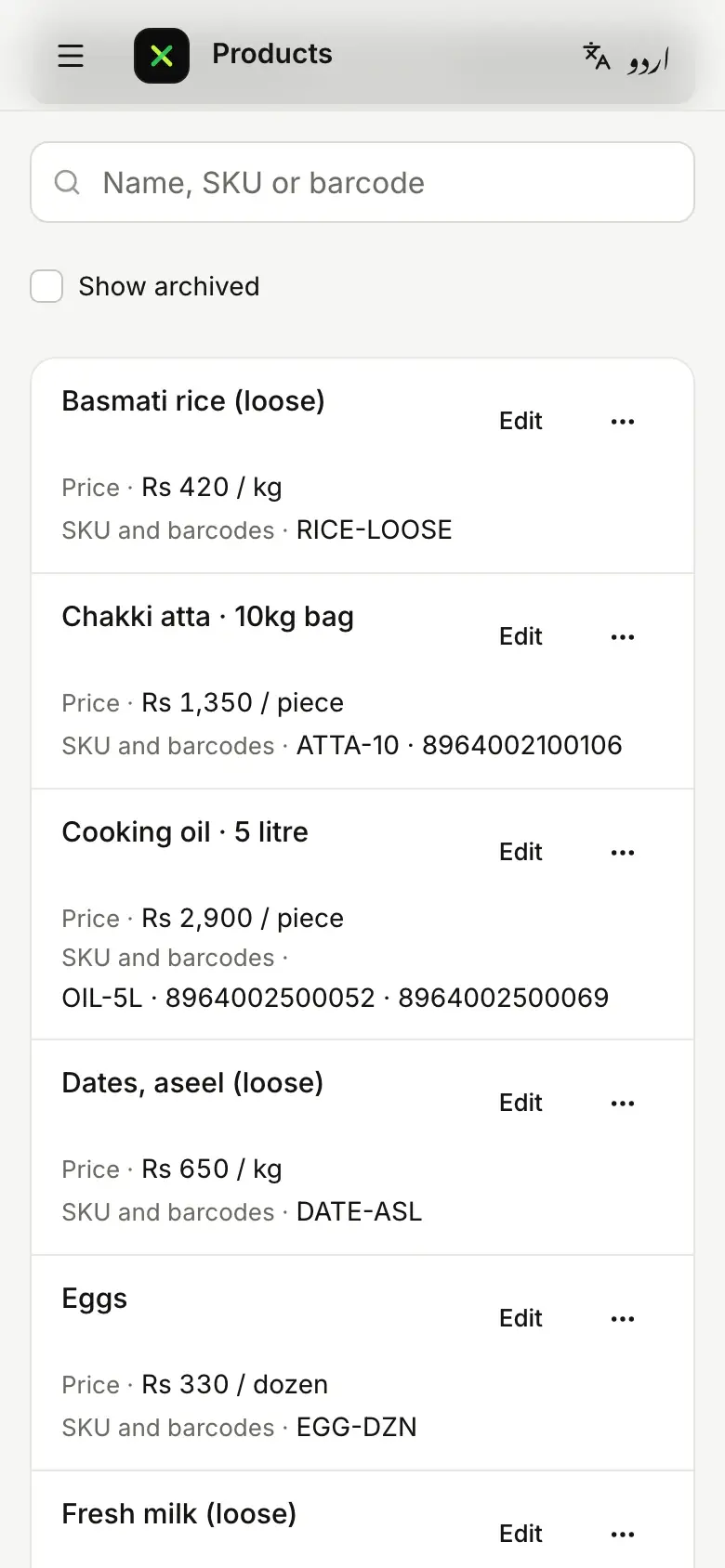
Rice, daal and dates go on the scale, and packed goods scan. Either way the till works out the price, and the stock is counted.
Get early access for your grocery or mart
Loose basmati rice
- On the scale
- 1.270 kg
- The bag, taken off
- − 0.020 kg
- Sold
- 1.250 kg
- Price per kg
- × Rs 320
On the billRs 400
At the scale
- Straight from the scaleThe till reads the weight from the scale and takes off the container’s weight.
- Pre-packed by weightScan labels whose barcode carries the weight or the price, and show the price per kilo beside it.
- Batches and expiry dates Starter planTrack stock by batch, and get a warning before expired stock is sold.
- Suggest a substitute Starter planSwitch it on to look up items that can replace one that is out of stock.
On for your grocery or mart, on top of the core
Choosing your type of business switches these modules on, leaves some ready to switch on, and keeps the rest out of your way.
The core, for every business
- Sales and receipts
- Payments
- Stock
- Customers
- Staff and shifts
- Reports
- Offline selling
- Pakistani tax
On for your grocery or mart
- Sell by weight and scalesSell loose items by weight, straight from the scale.
- Batches and expiry datesTrack batch numbers and sell the earliest expiry first.
- Barcodes and shelf labelsScan barcodes and print shelf and price labels.
- Customer credit (khata)Sell on credit and keep each customer’s khata.
- Returns and exchangesTake items back for a refund, store credit or an exchange.
Ready to switch on
- Takeaway and deliveryTakeaway orders, delivery addresses and riders.
- Substitute itemsSuggest an equivalent item when one is out of stock.
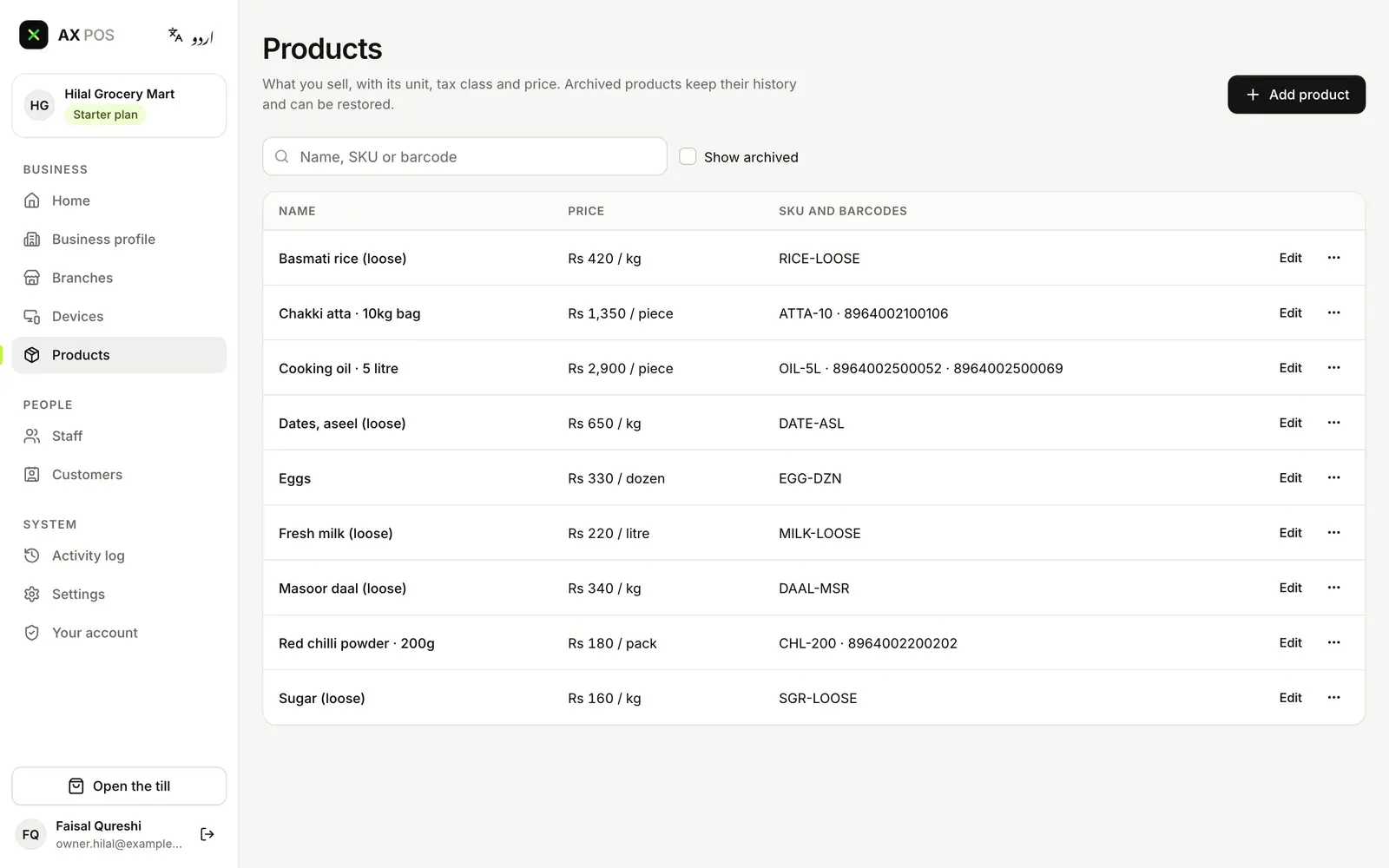
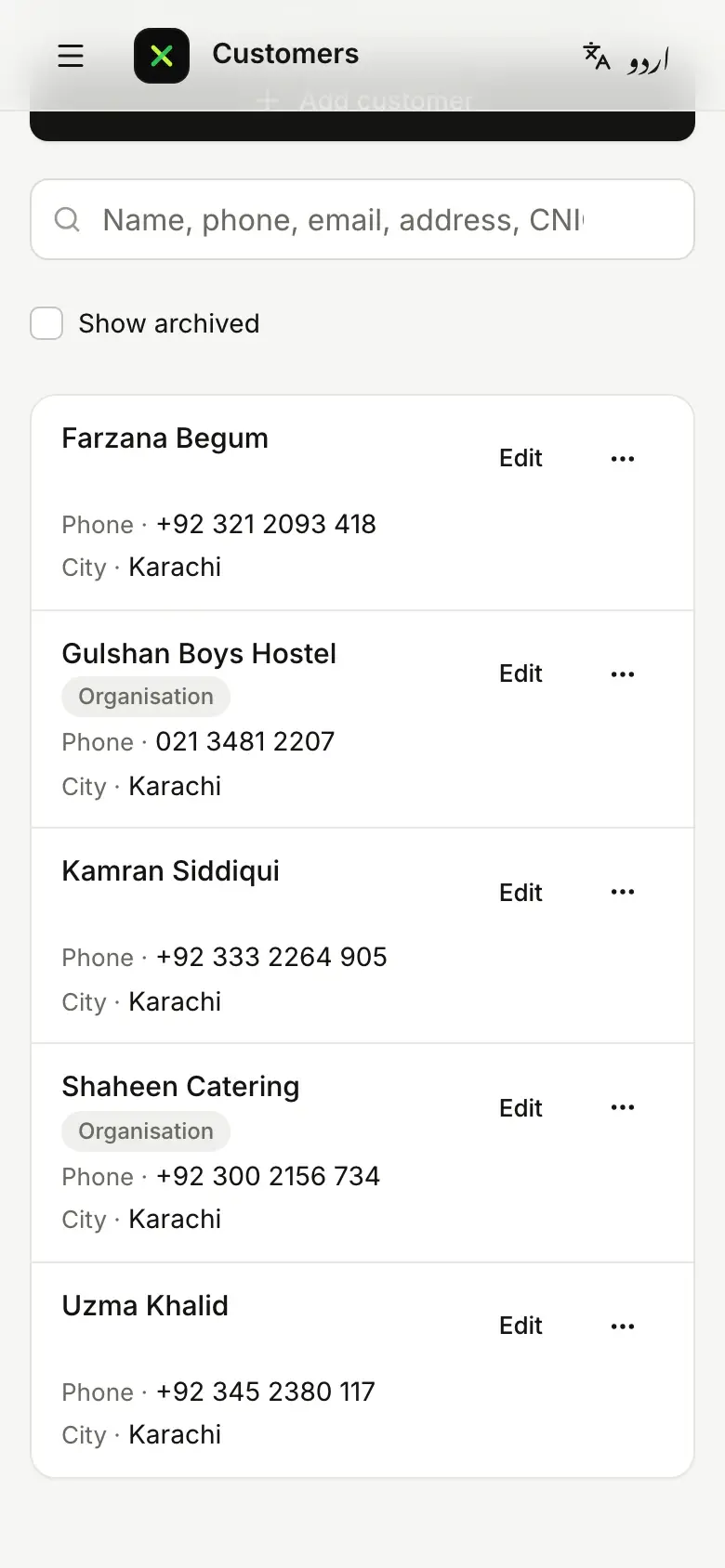
Your stock list, in AX POS today
- Loose, by the kilo or the litreRice, daal, dates and sugar by the kilo, milk by the litre and eggs by the dozen.
- Packed goods with barcodesAtta, oil and spices scan at the till. The oil carries two barcodes, so every pack scans.
- Hostels, caterers and regularsThe customers who buy every week, with phone and city, on your phone too.
Real screens from today’s AX POS, with a demo grocery’s data. The sale screen comes in a later update.
Tax that keeps up with the queue
Every invoice goes to FBR as it is issued, and nothing is lost when the internet drops. On every plan, including Free.
- FBRWho must integrateIf FBR counts your shop as a Tier-1 retailer, your POS has to report your sales to FBR.
- FBRReal-time invoicesEach invoice has to reach FBR the moment it is issued, not at the end of the day.
- FBRCard and QR paymentsCustomers must be able to pay you by card and by QR.
- FBRWhen the internet is downInvoices made while you are offline still have to reach FBR once you are back.
Which plan unlocks what
Everything above starts on Free. These are the grocery or mart items each plan adds.
Free
1 branch1 till- Built for the queue
- Straight from the scale
- Pre-packed by weight
- Raast QR and JazzCash
Starter
1 branch3 tills- Batches and expiry dates
- Khata for regulars
- Deals that apply themselves
- Reorder before you run out
- Suggest a substitute (switch on)
Growth
Up to 5 branchesUnlimited tills- Home delivery, if you offer it (switch on)
Business
Unlimited branchesUnlimited tillsFor every business
- Head-office and franchise controls
- The full audit trail
Launch pricing coming soon
Questions about AX POS for your grocery or mart
Do weighing scales work with AX POS?
Yes. Connect a scale through the AX POS Connector: the till reads the weight, takes off the container and works out the price. Pre-packed items with the weight or price in their barcode scan like any other item.
Can I see stock that is close to expiry?
Yes. Batches and expiry dates are on for groceries and marts. From the Starter plan, AX POS warns you when stock is near its expiry date, or when expired stock is being sold.
What if the internet drops at a busy time?
The till keeps selling, and takes cash and JazzCash till-number payments while offline. Card payments need the internet. Sales upload by themselves when the connection is back.
Other types of business
The same AX POS, set up for another kind of business.