Free
One shop with one till
- 1 branch
- 1 till
- 2 users
- Branches
- 1
- Tills
- 1
- Users
- 2
Price:Price at launch
- Checkout at the till
- Payments by cash, card, Raast QR and JazzCash
- Returns
and 6 more
Early accessAX POS launches later
AX POS is made for Pakistani shops and restaurants: FBR and provincial tax built in from launch, Raast QR and JazzCash at the till, and it keeps selling when the internet drops.
At launch:
AX AAGILE XAAS LLP · SECP registration 0347727 · Karachi
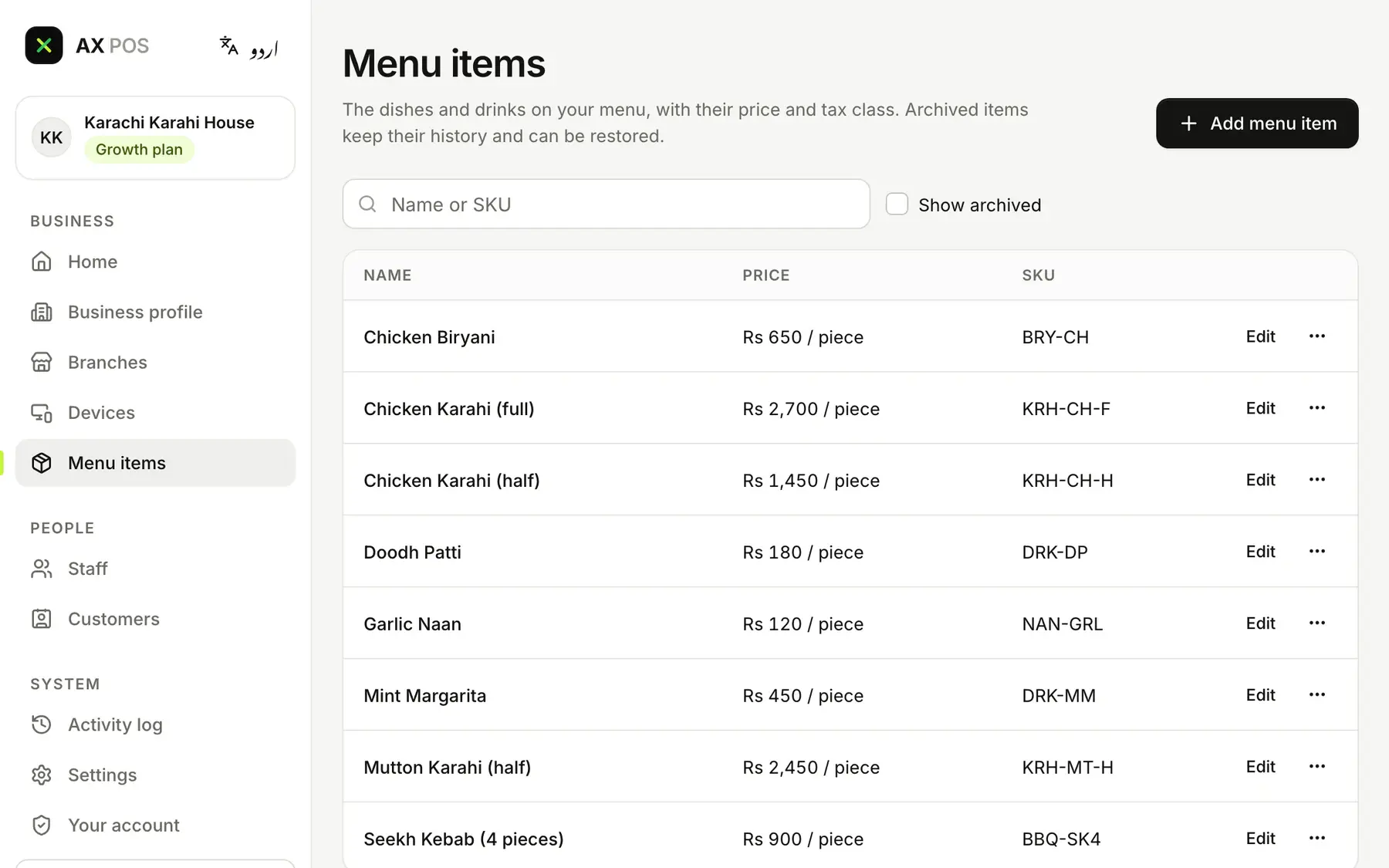
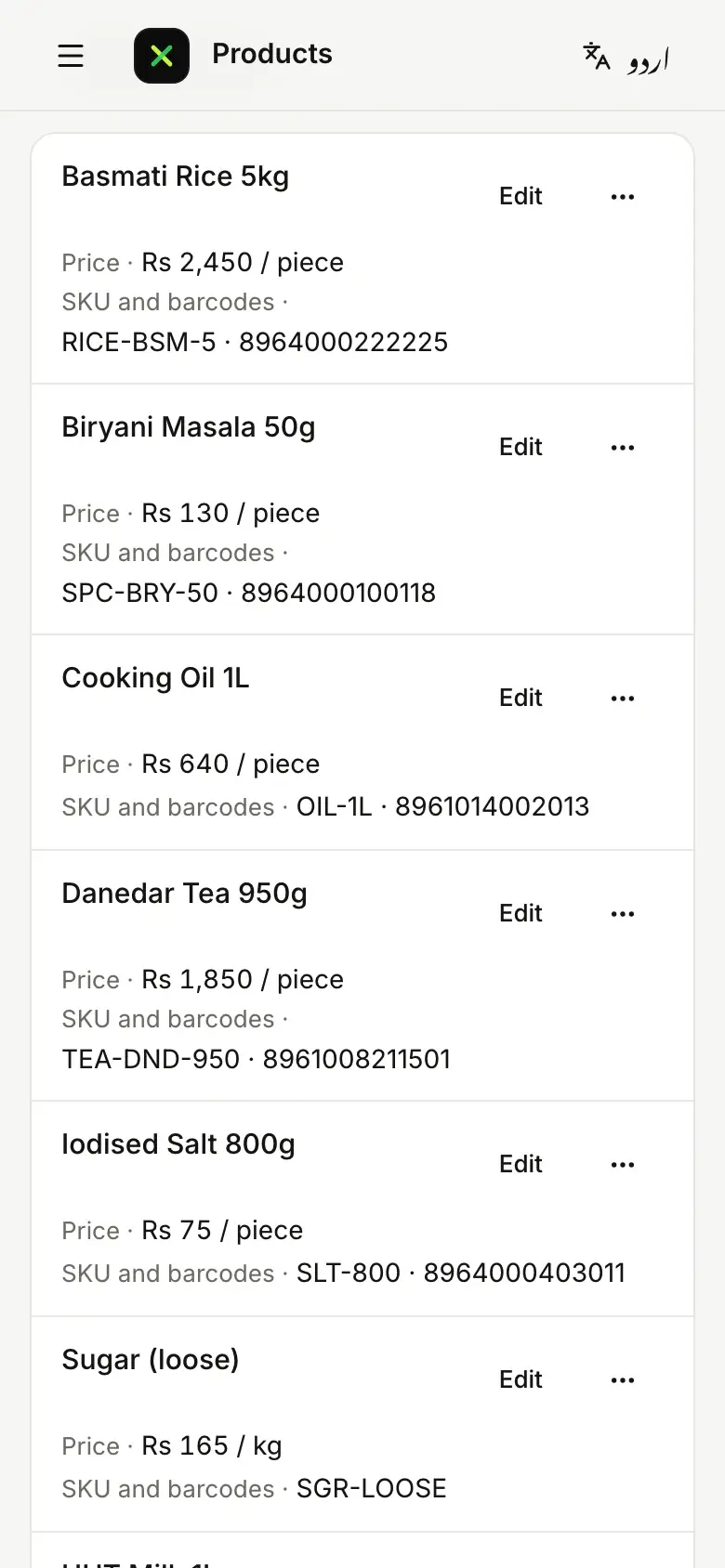
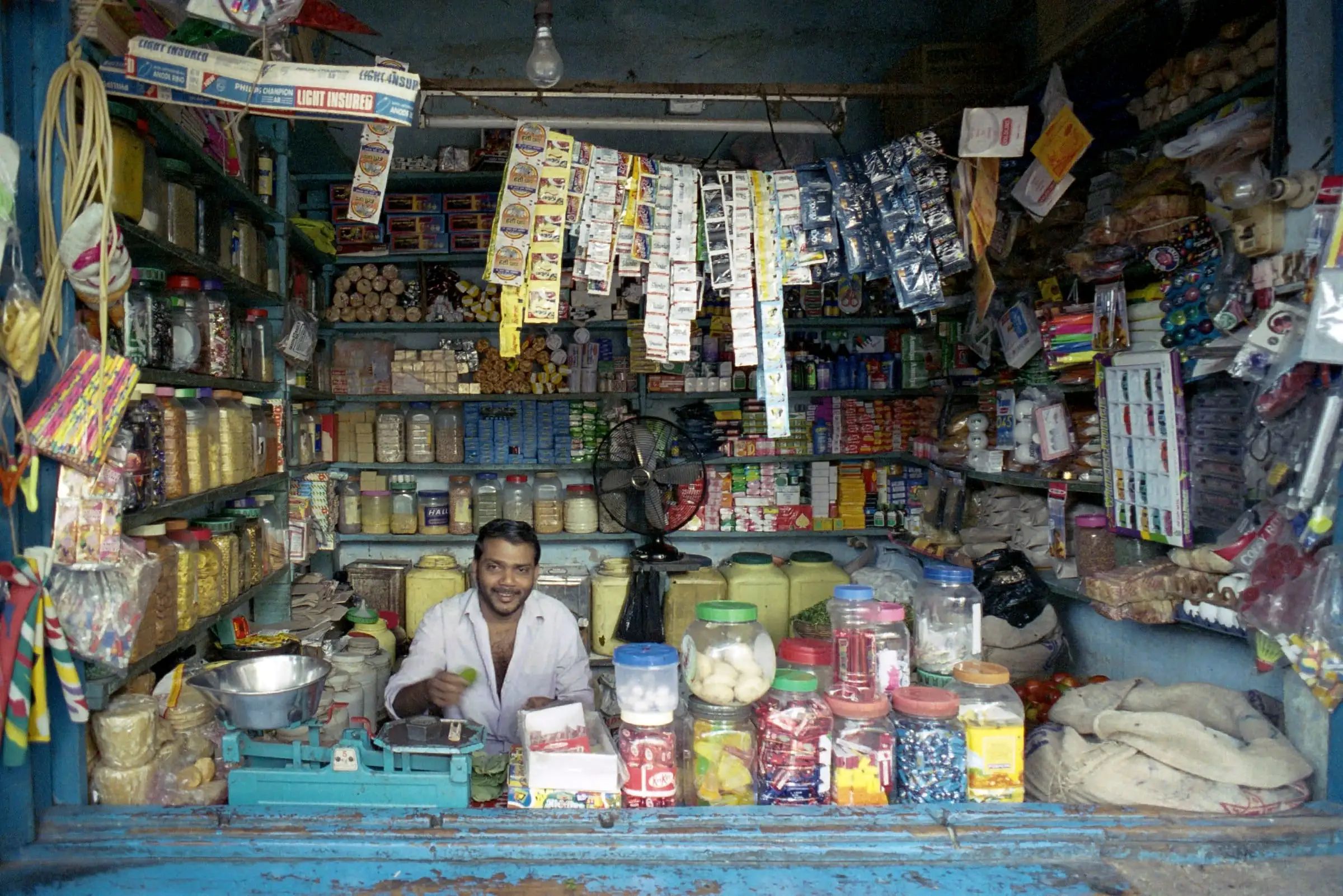
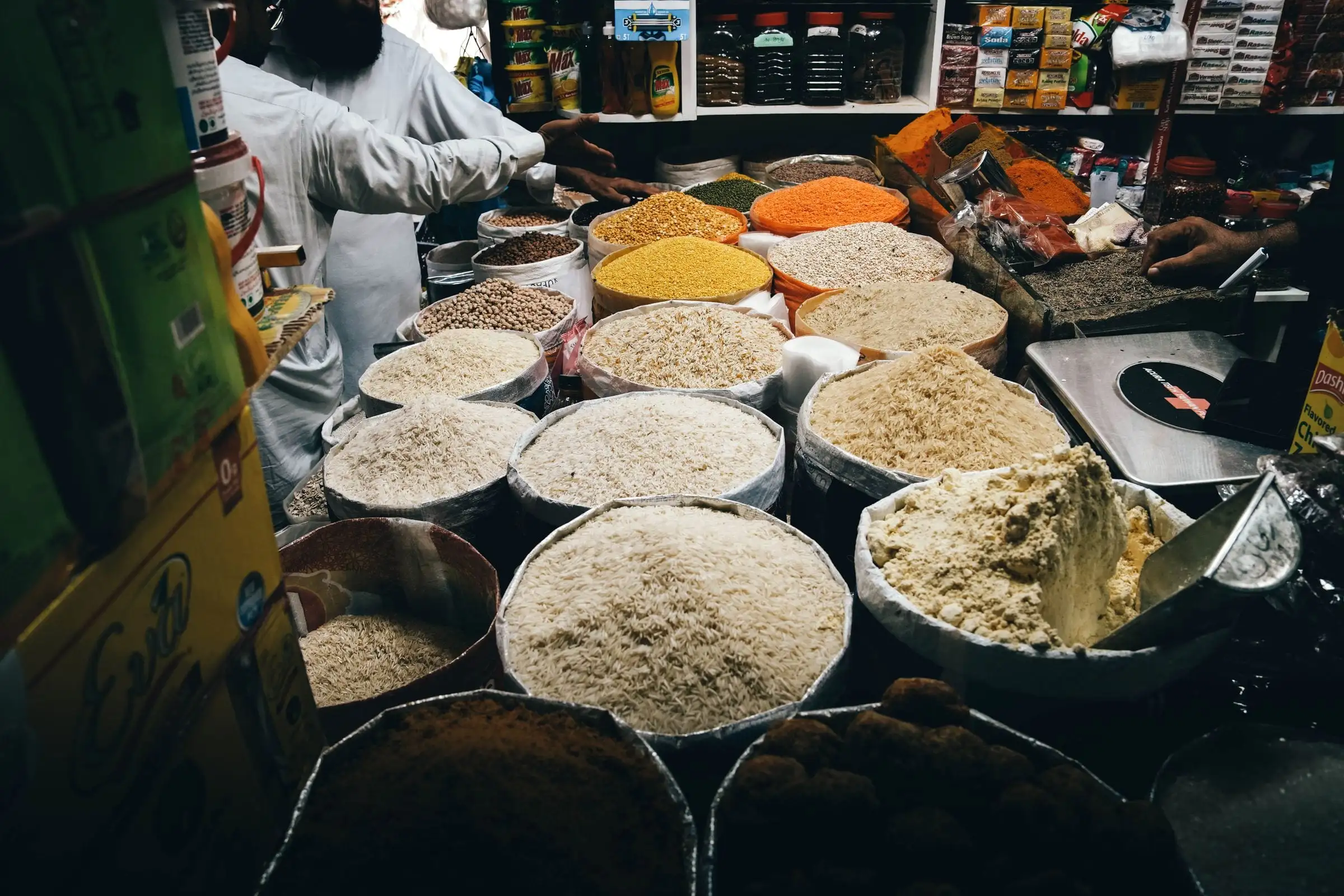
Pick your type of business, and AX POS switches on the screens, words and modules that fit it.




Three steps, and the second one is already a real screen in AX POS.
Choose one of six types of business. AX POS sets its modules, its words and the till’s home screen.
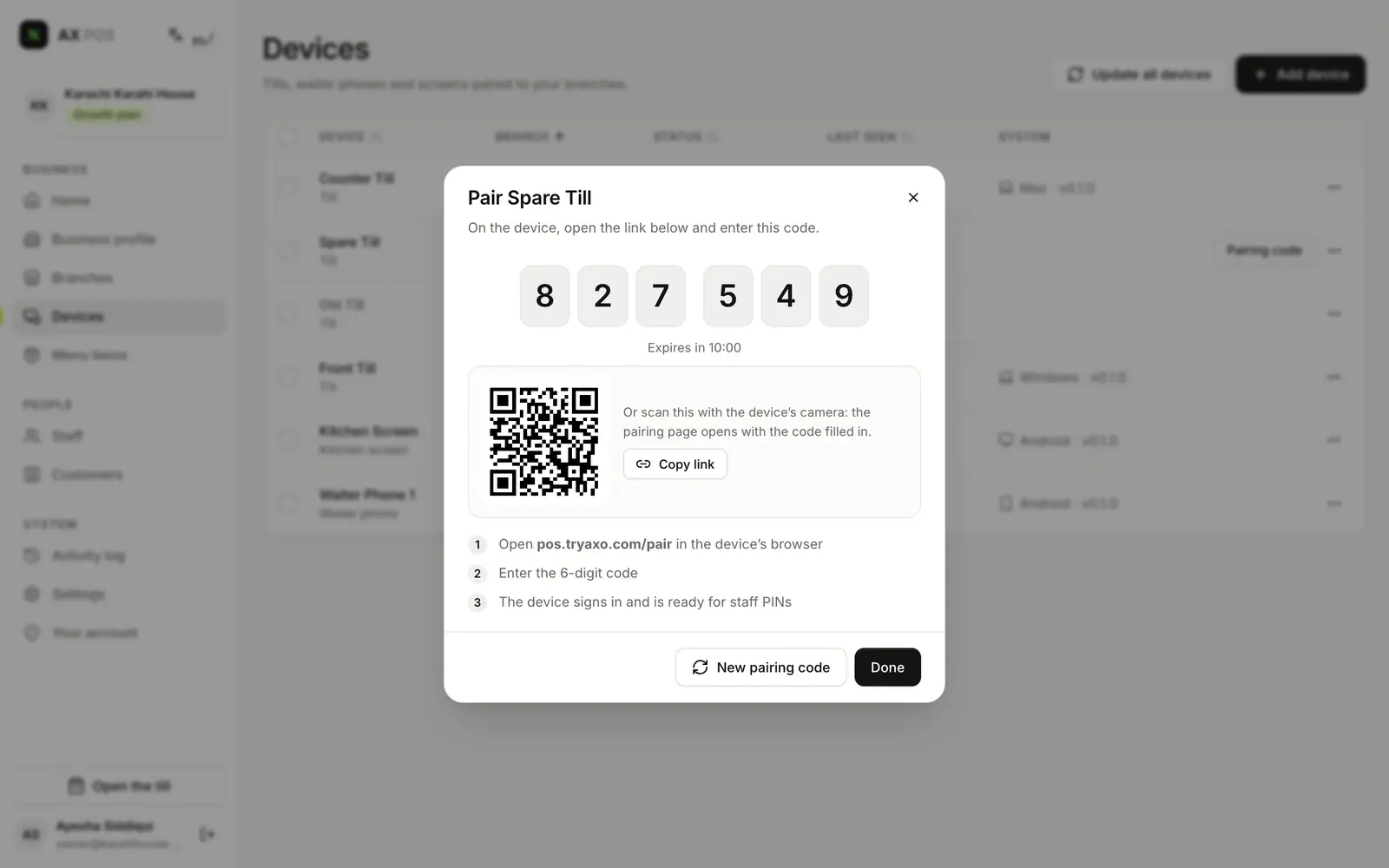
Add your branch, then type the back office’s 6-digit code on the till. Load products from a spreadsheet.
Staff sign in with their own PIN. Sales, stock and tax records update with every sale.
The six things a busy counter asks for first. The features page has the rest, module by module.
Scan, tap an item button or search, then settle the bill with one tap.
Included from the Free plan
Take Raast QR, your JazzCash till number and cards alongside cash, on every plan.
Included from the Free plan
Print the receipt, or send it by WhatsApp, text message or email.
Included from the Free plan
Customers buy on credit up to the limit you set, and pay against their account.
Included from the Starter plan
Stock updates with every sale, with an alert when something runs low.
Included from the Free plan
Each person has their own PIN and role, and a manager’s PIN approves anything beyond their limit.
Included from the Starter plan
FBR, and SRB, PRA and KPRA in the provinces: AX POS is being built to their 25 rules, on every plan, including Free.
Each invoice goes to FBR or the province as it is issued, and the receipt shows its number and QR code.
Every restaurant bill records how it was paid, which sets SRB’s rate.
Invoices made offline are queued and sent once you reconnect, without duplicates.
On every plan, including Free
The till holds its own copy of your products and prices, so a dropped connection never stops a sale.

The till goes offline on its own when the connection fails, and shows it.
Take cash and JazzCash till-number payments, and kitchen tickets still print on your network. Card payments need the internet.
Offline sales upload by themselves when the connection returns.
Card payments need the internet.
Printers, drawers, scanners and scales connect through the AX POS Connector, a small desktop helper.
Starting from scratch? A hardware bundle will be available as an add-on.
One AX account across AX products. Connect AXOffice for accounting with one switch, and see exactly what each side reads and writes before you do. AX IMS and an FBR e-invoicing app are coming.
At launch:
Four plans, each with everything in the one before it.
One shop with one till
Price:Price at launch
and 6 more
One branch with a few tills and a team
Price:Price at launch
Everything in Free, plus:
and 9 more
Up to 5 branches
Price:Price at launch
Everything in Starter, plus:
and 7 more
Chains and franchises
Price:Price at launch
Everything in Growth, plus:
and 4 more
Prices are set at launch. Early-access members hear first.
AX POS is being built now and opens later. Tell us about your business on the early-access form, and we will get in touch when it opens. Asking costs nothing and commits you to nothing.
Yes. The till keeps selling when the internet drops, takes cash and JazzCash till-number payments, and keeps sending orders to printers on your own network. Card payments need the internet. Everything uploads by itself when the connection is back, and offline tax invoices are sent as each authority requires.
Yes, from day one. Every screen works in English and in Urdu, written right to left, and each person or branch can choose their own language. Receipts can print in the language you choose.
A Windows PC, an Android tablet or an iPad runs the till, in the browser or installed as an app. The small AX POS Connector desktop helper links thermal receipt printers, cash drawers, barcode scanners and scales. A hardware bundle will be available as an add-on.
Every business’s records carry its own ID, and the database itself refuses to show them to any other business. A test proves one business can never see another’s data. AX POS runs on AX’s own server, with backups kept separately, and staff sign in with their own PIN while every override is logged.