General store
Scan, sell and keep every customer’s khata straight.
The till opens ready to scan. Prices, stock and khata live in one place, shelf labels print from your product list, and returned items go back into stock with the reason recorded. Customers pay by cash, card, Raast QR or JazzCash.
The counter and the khata
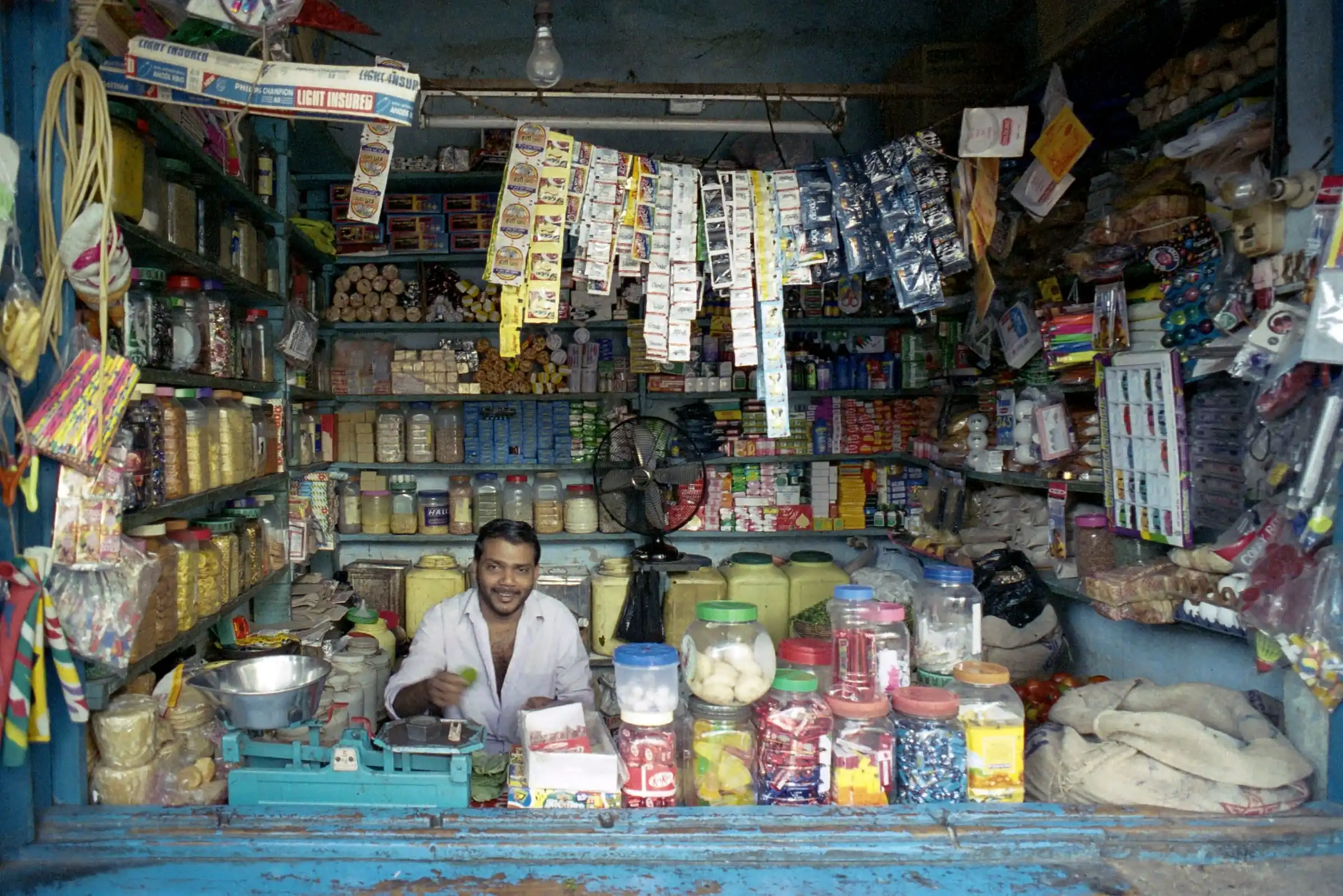
A kiryana runs on two things: the counter, where every item scans, and the khata, where credit is written down. AX POS keeps both straight.
Get early access for your general storeAt the counter
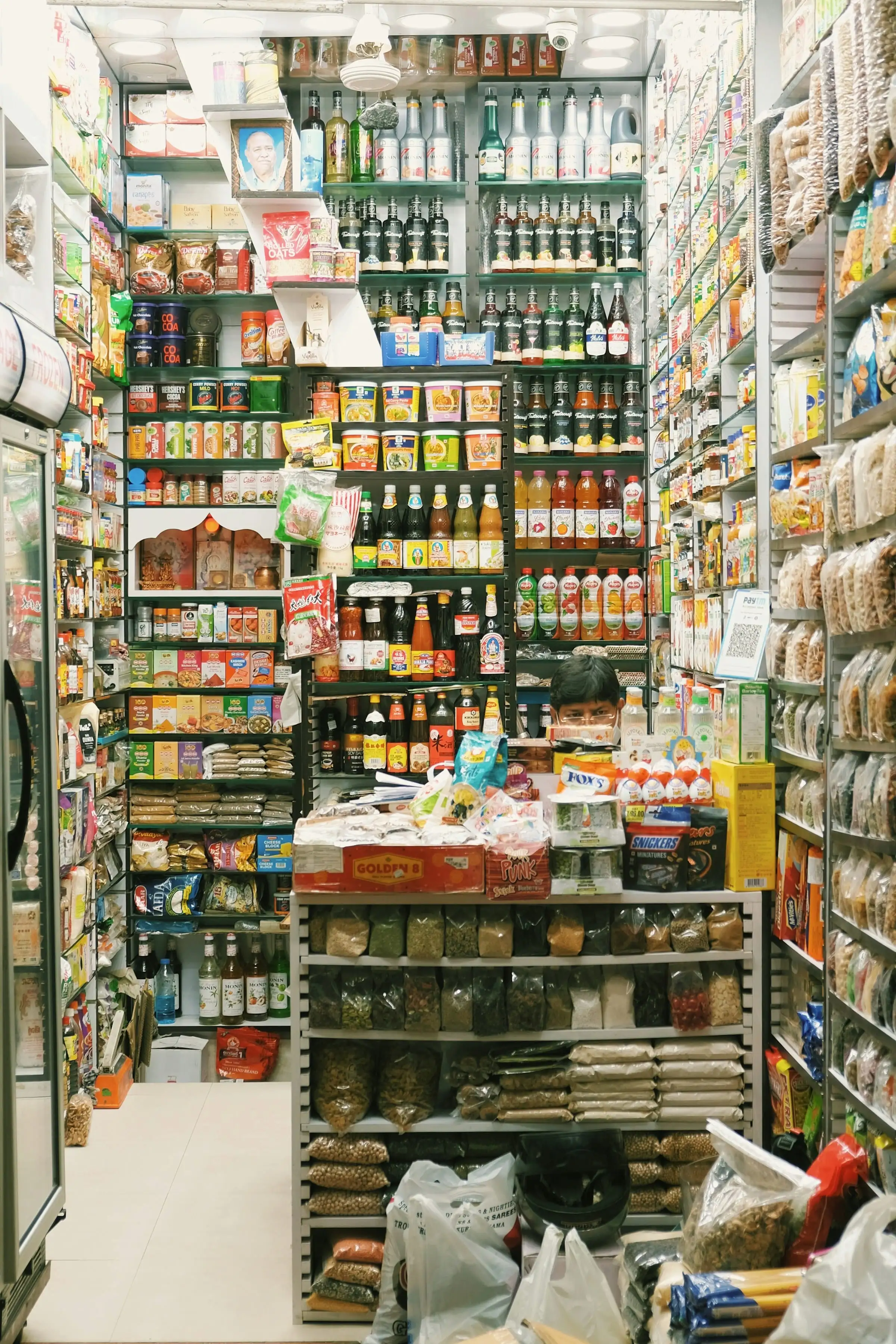
- Scan or searchScan a barcode, or type part of a name and pick from the suggestions.
- By the piece or the boxSell the same item by the piece or by the box, and change the unit during the sale.
- Returns and exchangesFind the original sale, refund or exchange the chosen items, and decide whether they go back on the shelf.
- Shelf labels and barcodesPrint shelf and price labels, and give a product more than one barcode.
In the khata
Illustration A regular customer’s khata Credit limitRs 15,000
- Goods on credit
- + 2,340
- Goods on credit
- + 860
- Payment
- − 2,000
- Balance
- Rs 1,200
Statement, printed or sent
- Khata, done properly Starter planLet trusted customers buy on credit up to a limit, take payments against their account and print a statement.
On for your general store, on top of the core
Choosing your type of business switches these modules on, leaves some ready to switch on, and keeps the rest out of your way.
The core, for every business
- Sales and receipts
- Payments
- Stock
- Customers
- Staff and shifts
- Reports
- Offline selling
- Pakistani tax
On for your general store
- Barcodes and shelf labelsScan barcodes and print shelf and price labels.
- Customer credit (khata)Sell on credit and keep each customer’s khata.
- Returns and exchangesTake items back for a refund, store credit or an exchange.
Ready to switch on
- Modifiers and combosAdd-ons, choices and meal deals on items.
- Takeaway and deliveryTakeaway orders, delivery addresses and riders.
- Sell by weight and scalesSell loose items by weight, straight from the scale.
- Batches and expiry datesTrack batch numbers and sell the earliest expiry first.
- Sizes and coloursOne item in many sizes and colours, set up in a grid.
- Serial numbers and warrantyRecord serial numbers and look up warranties.
- Layaway and special ordersHold items on part payment and take orders for later.
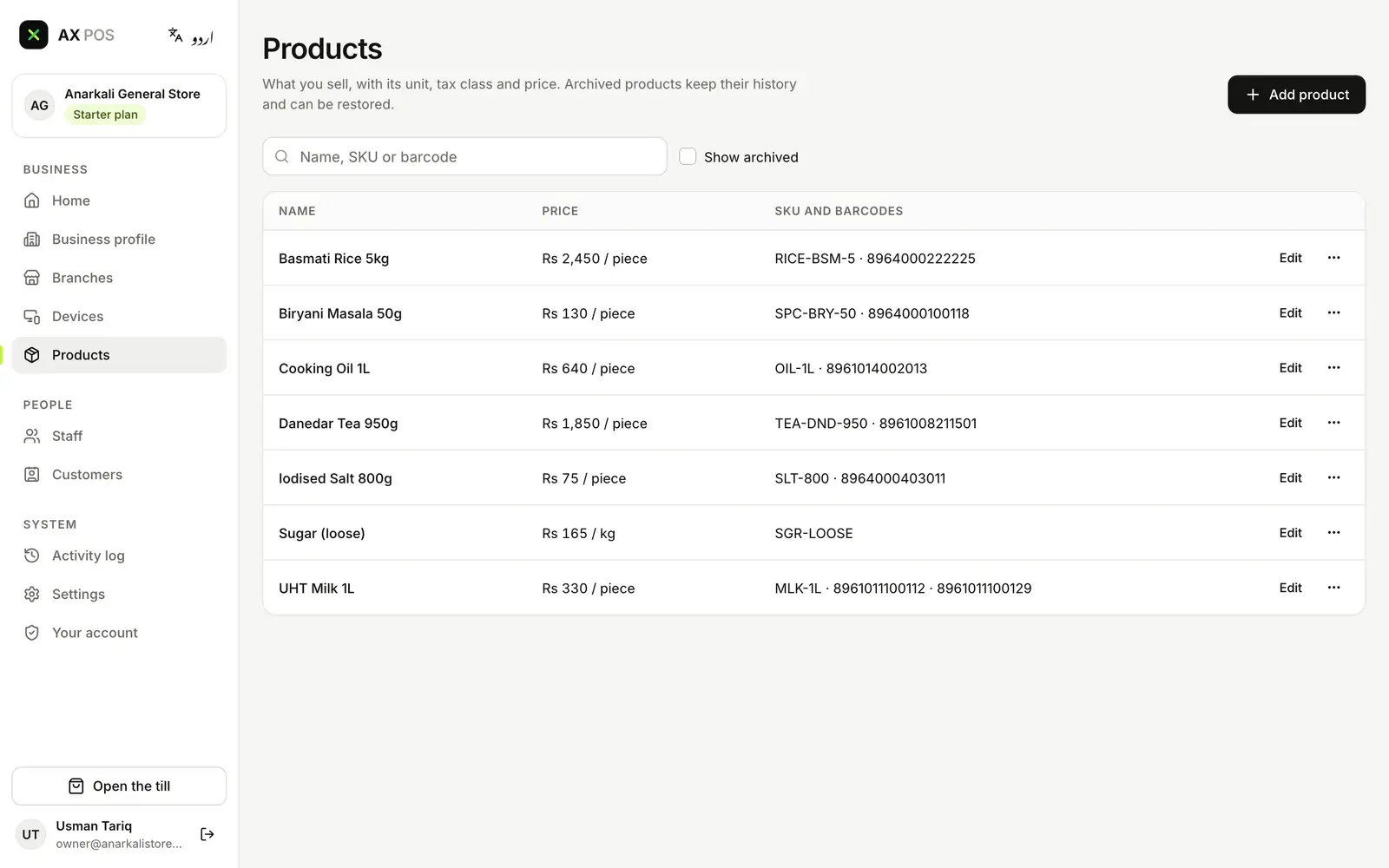
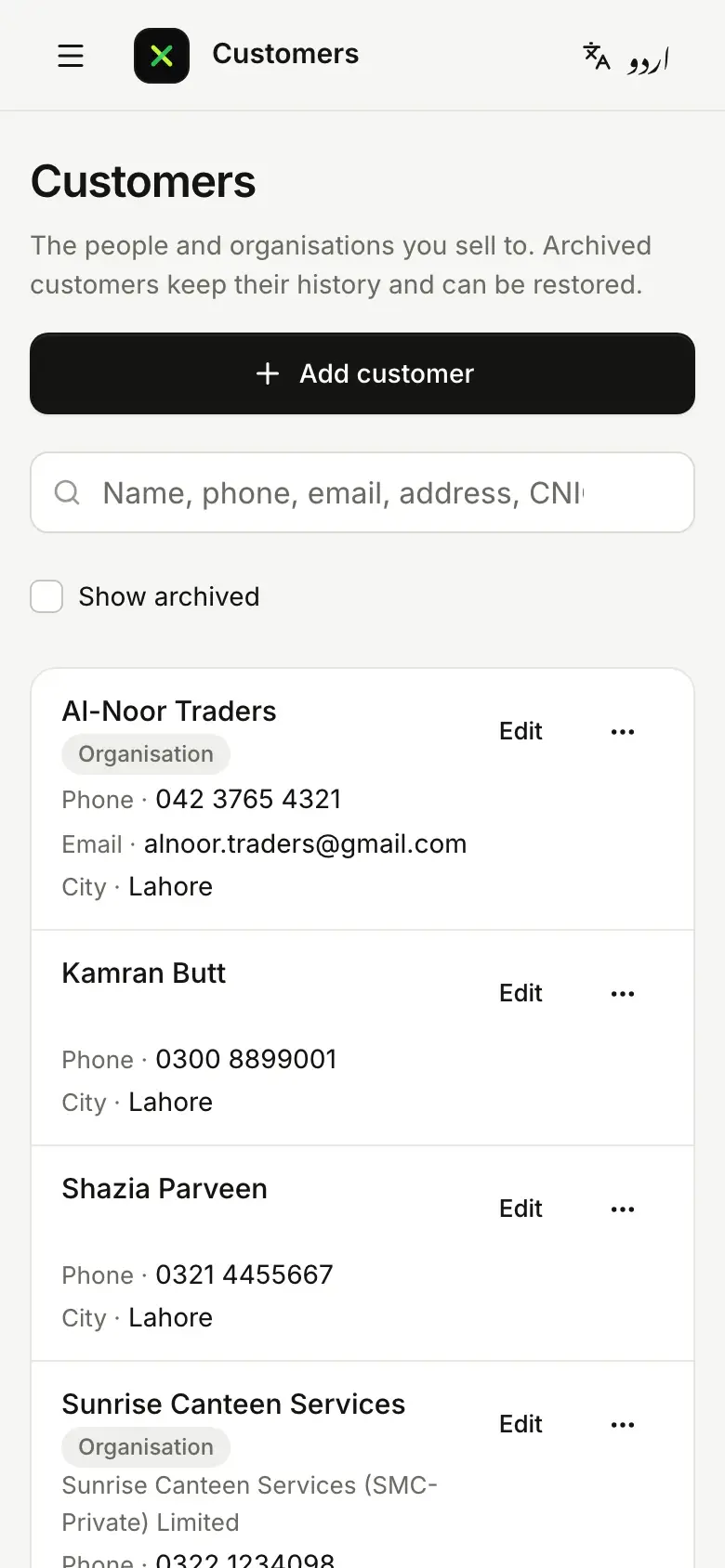
Your shop, in AX POS today
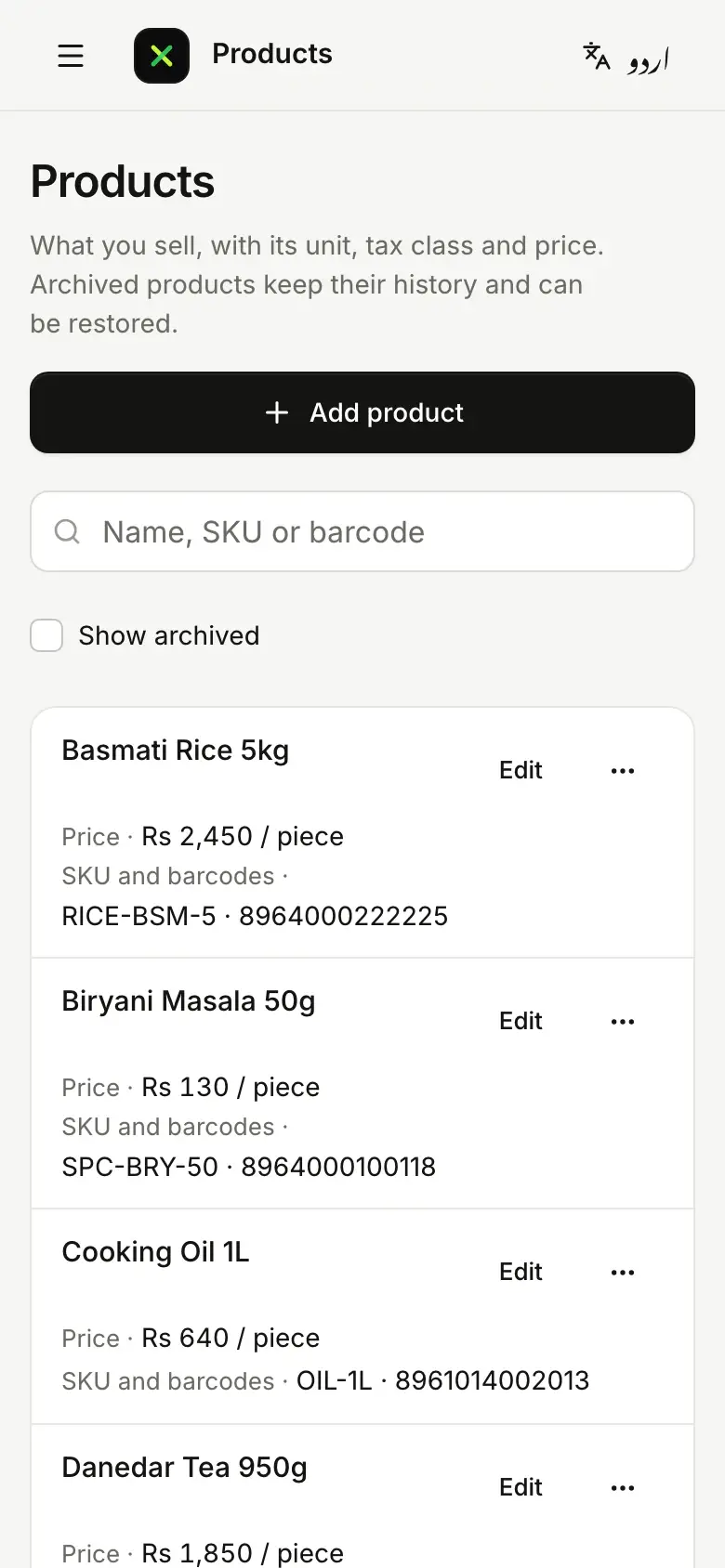
- Your stock list, with pricesRice, tea, oil and salt with their SKU and barcode, and loose sugar by the kilo.
- More than one barcodeA product can carry several barcodes, as the milk does here, so every pack scans.
- The customers you knowTraders, canteens and regulars on your phone, found by name, phone, CNIC or NTN.
Real screens from today’s AX POS, with a demo general store’s data. The sale screen comes in a later update.
FBR, handled at the counter
If FBR counts your shop as a Tier-1 retailer, AX POS reports each invoice as it is issued. On every plan, including Free.
- FBRWho must integrateIf FBR counts your shop as a Tier-1 retailer, your POS has to report your sales to FBR.
- FBRReal-time invoicesEach invoice has to reach FBR the moment it is issued, not at the end of the day.
- FBRWhat the receipt showsThe customer’s receipt has to show that FBR received the invoice.
- FBRInvoices to other businessesWhen you invoice another business, the invoice goes through FBR’s Digital Invoicing system.
Which plan unlocks what
Everything above starts on Free. These are the general store items each plan adds.
Free
1 branch1 till- Scan or search
- Shelf labels and barcodes
- Returns and exchanges
- Live stock, low-stock alerts
- By the piece or the box
- Loose items by weight (switch on)
Starter
1 branch3 tills- Khata, done properly
- Order and receive stock
- Serial numbers, if you sell electronics (switch on)
Growth
Up to 5 branchesUnlimited tills- Special orders, if you take them (switch on)
Business
Unlimited branchesUnlimited tillsFor every business
- Head-office and franchise controls
- The full audit trail
Launch pricing coming soon
Questions about AX POS for your general store
Can I give customers credit (khata)?
Yes. Khata is on for general stores and comes with the Starter plan: set a credit limit for each customer, take payments against the account and print statements.
Do I need a barcode scanner?
It helps, but you don’t need one. USB and Bluetooth scanners work, a phone or tablet camera can scan, and you can always search by name.
Can I sell phones or electronics with serial numbers?
Yes. Serial numbers and warranty is an option for general stores: switch it on to record each unit’s serial number, from the Starter plan. Selling warranties comes with Growth.
Other types of business
The same AX POS, set up for another kind of business.